
Resources
Launch your directory and bring your members along
Ready-made announcements and sign-in help for your members, with short videos on the way.
Announce it
Templates to tell your members
Download, add your community’s name, and post, print or send.
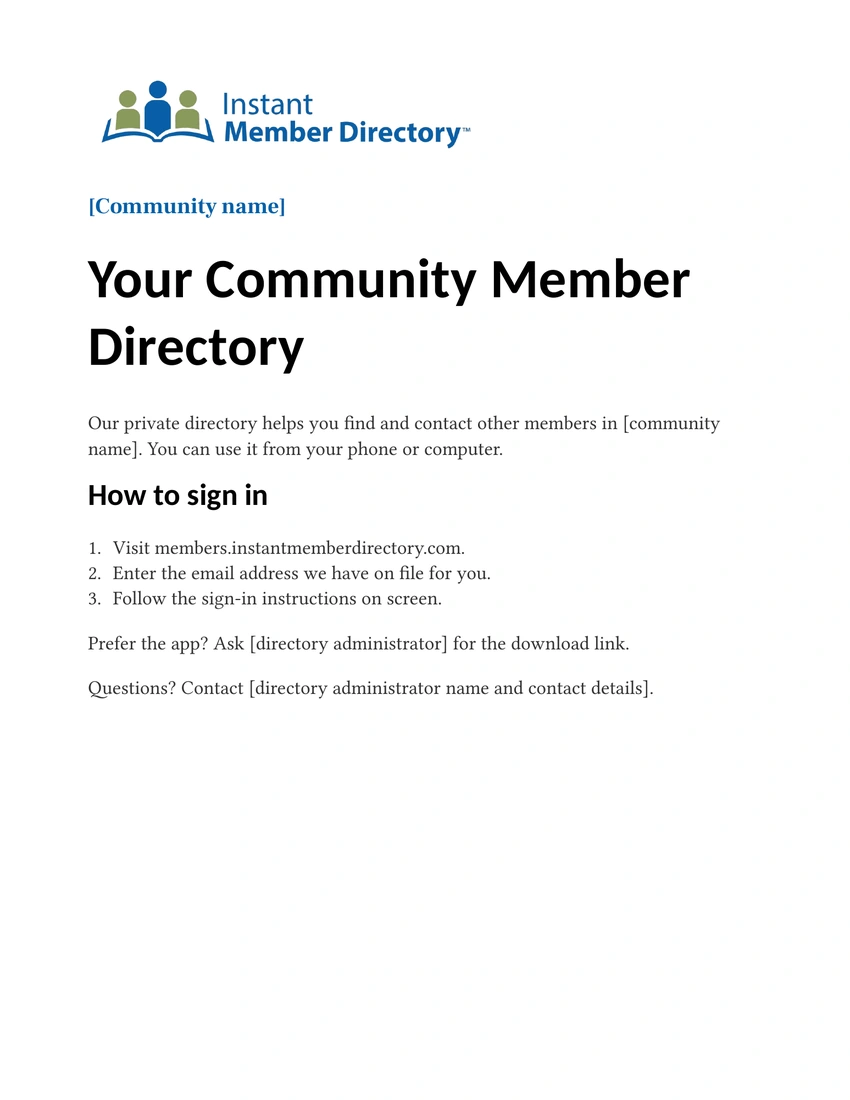
Bulletin-board flyer
Let members know the directory is coming and how to get the app.
Download flyer (Word)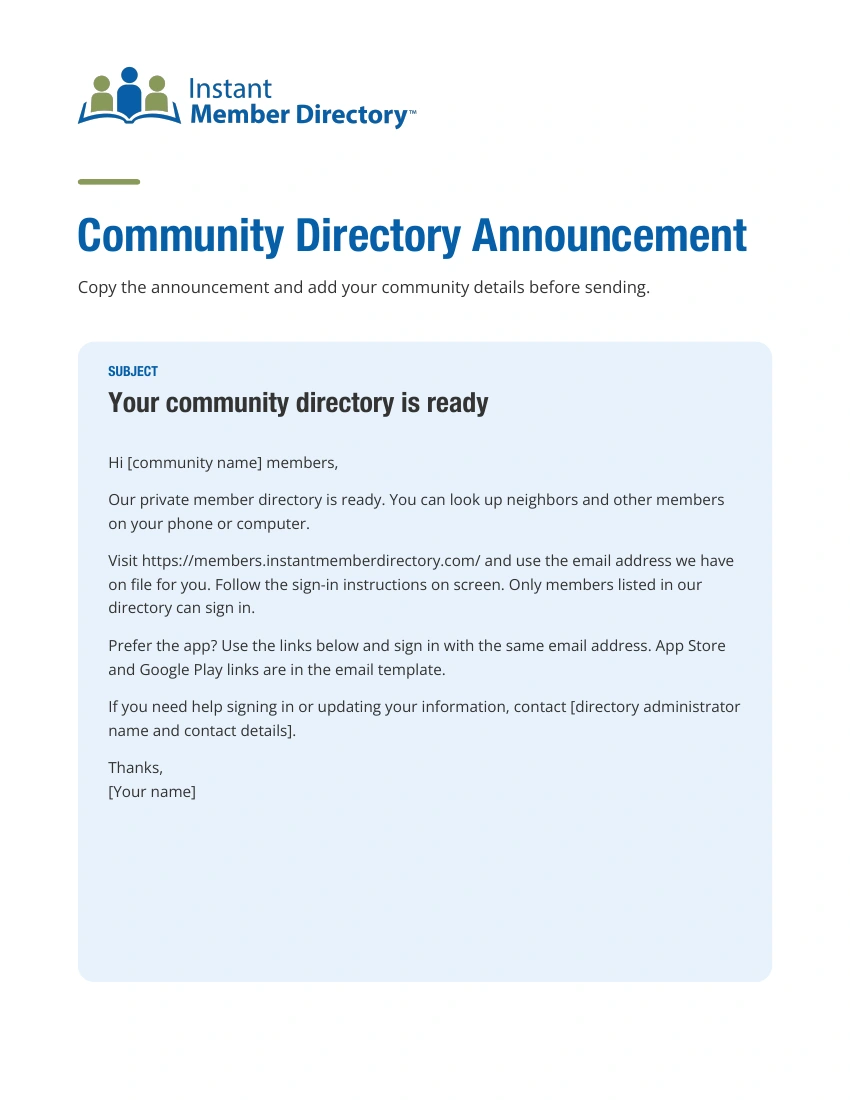

Household information form
A paper form for members who’d rather write their details down.
Download form (PDF)
Video walkthroughs are coming soon
Short videos for administrators and editors are on the way. Until then, the help center has step-by-step guides.
Sign-in help
Getting into your directory
Members, on a phone or tablet
- Download the app from the App Store or Google Play.
- Enter the email address your community has for you.
- Open the sign-in link we email you.
Members, on a computer
Go to the members website and enter your email to get a sign-in link.
Member sign inReady when you are.
Start free for 30 days. Cancel any time before it ends.